
Occupancy Rate Calculator
Use this occupancy rate calculator to calculate occupancy percentage, vacancy rate, gross potential revenue, actual rental revenue, and revenue per available room or unit.
Occupancy rate measures the percentage of rentable capacity occupied during a period. The same formula can be applied to apartments, offices, retail centers, hotels, self-storage units, and vacation rentals when the numerator and denominator use the same unit of measurement.
Have a suggestion or found a calculation discrepancy? Let us know!
How to Calculate Occupancy Percentage
Key inputs for occupancy analysis
To run a precise occupancy and RevPAR calculation, you need to collect several core property inputs:
- Property Class Type: Select Residential (units), Commercial (units), or Hospitality (room-days).
- Total Available Capacity: Total units or total room-days available during the timeframe.
- Occupied Capacity: The number of rented units or rented room-days during the period.
- Average Rate (ADR): The average daily room rate (ADR) or average monthly unit rent.
Analyzing your operational yield metrics
The calculator details the property's operational health. First, it computes the Occupancy Rate and Vacancy Rate.
It then displays Gross Potential Revenue (revenue under 100% occupancy) alongside Actual Collected Revenue. A key output is the RevPAR (Revenue Per Available Unit), which shows the average revenue generated per available unit (whether occupied or vacant), serving as a core efficiency index.
Occupancy Rate Formula
Occupancy and RevPAR formulas
The calculator utilizes standard real estate asset management formulas:
Understanding RevPAR vs. ADR
In real estate asset management, Average Daily Rate (ADR) only measures the average rent paid by *occupied* rooms or units. It ignores vacant units.
RevPAR (Revenue Per Available Room/Unit) blends both pricing (ADR) and volume (occupancy rate) into a single metric. If a hotel has a high ADR of $300 but only 40% occupancy, its RevPAR is $120. If it drops its ADR to $200 and raises occupancy to 80%, its RevPAR increases to $160, demonstrating a more efficient yield strategy despite lower individual room pricing.
Occupancy Calculation Example
Property assumptions
Let's analyze a luxury boutique hotel during a 30-day month:
- Total Rooms: 50 rooms
- Total Available Room-Days: 1,500 room-days (50 rooms * 30 days)
- Occupied Room-Days: 1,200 room-days
- Average Daily Rate (ADR): $200
Underwriting calculation
- Calculate Occupancy Rate:
Occupancy Rate = (1,200 / 1,500) * 100% = 80.00%. - Calculate Vacancy Rate:
Vacancy Rate = 100% - 80% = 20.00%. - Calculate potential and actual revenues:
Potential Revenue = 1,500 * $200 = $300,000.
Actual Collected Revenue = 1,200 * $200 = $240,000. - Calculate RevPAR:
RevPAR = $240,000 / 1,500 = $160 (or 80% occupancy * $200 ADR = $160).
Occupancy Rate Examples by Property Type
Apartment and multifamily occupancy
Multifamily occupancy is usually calculated as occupied units divided by total rentable units. If 184 of 200 units are occupied, the property has a 92% physical occupancy rate and an 8% vacancy rate.
Office, retail, and industrial occupancy
Commercial assets often calculate occupancy by rentable square footage. A retail center with 82,000 occupied square feet out of 100,000 rentable square feet has an 82% occupancy rate.
Hotel and hospitality occupancy
Hotels calculate occupancy using occupied room nights divided by available room nights. This makes the metric compatible with ADR and RevPAR analysis.
Physical Occupancy vs Economic Occupancy
Physical occupancy
Physical occupancy answers a simple operational question: how much of the available property is occupied? It is based on units, square feet, beds, rooms, or bookable nights and does not adjust for rent concessions or payment collection.
Economic occupancy
Economic occupancy compares collected rent with potential rent. A property can be 95% physically occupied but economically weaker if many tenants receive free rent, heavy discounts, or have unpaid balances.
Vacation Rental Occupancy Rate Calculation
Booked nights
For vacation rentals, the numerator is the number of booked nights in the analysis period. Owner stays and blocked maintenance nights should be handled consistently with the denominator.
Available nights
The denominator is the number of nights the rental was available to book. If a property was available for 30 nights and booked for 21 nights, occupancy is 70%.
Revenue context
A high vacation rental occupancy rate is not automatically optimal. Operators should review ADR, cleaning fees, seasonality, and RevPAR to avoid filling the calendar at unprofitable prices.
Strategic yield management and common mistakes
Focusing strictly on occupancy rates
A common mistake is maintaining a 100% occupancy rate by setting rent prices significantly below market rates. While this eliminates vacancy, it leaves substantial rental revenue on the table. Managers must raise rents gradually until occupancy settles at a healthy market equilibrium (typically 90% to 95%).
Neglecting seasonal pricing adjustments
Maintaining a flat ADR throughout the year can lead to low occupancy during off-peak seasons and missed profits during peak demand. Implementing dynamic pricing structures allows properties to maximize RevPAR year-round.
Ignoring offline inventory units
Offline units (units undergoing renovation or reserved for maintenance) must be subtracted from the total available capacity denominator when evaluating leasing team performance, ensuring calculations reflect actual rentable space.
Frequently asked questions (FAQ)
What constitutes a good occupancy rate for rental properties?
For residential multifamily properties, a healthy baseline occupancy rate is typically between 92% and 96%. For hotels and hospitality, rates vary widely by season, but an annual average occupancy above 70% is generally considered strong.
How do you calculate occupancy rate for retail properties?
For retail shopping centers or malls, occupancy is usually calculated on a square footage basis (`Occupied Sq Ft / Total Rentable Sq Ft`) rather than simple unit counts, as lease values are directly tied to rentable area size.
What is the difference between physical occupancy and economic occupancy?
Physical occupancy measures the percentage of units that are physically occupied by tenants. Economic occupancy measures the percentage of potential gross rent that is actually collected, adjusting for concessions, discounts, and bad debt.
How is occupancy rate calculated for commercial office buildings?
For commercial office space, occupancy is tracked by occupied square footage relative to the building's total rentable area (NLA/GLA). Because office leases are long-term (typically 5 to 10 years), commercial occupancy remains stable compared to residential or hospitality, and the metrics are assessed annually rather than daily or monthly.
What is RevPAR and why is it preferred over ADR?
RevPAR stands for Revenue Per Available Room. While Average Daily Rate (ADR) tells you how much occupied rooms are earning, it ignores the cost of empty rooms. RevPAR combines both occupancy rates and ADR into a single metric. This allows operators to see the true revenue efficiency of their entire inventory, helping them strike the optimal balance between room pricing and occupancy volume.
How can a landlord improve a property's occupancy rate?
Landlords can improve occupancy rates through targeted marketing, offering tenant concessions (like a month of free rent), upgrading common area amenities, or pricing units slightly below local market averages. However, operators must ensure that the cost of concessions or lower rents does not exceed the financial benefit of reducing vacancy, aiming for maximum Net Operating Income (NOI) rather than 100% physical occupancy.
Real-world case study: Prologis Inc. (PLD, FY 2023)
Prologis Inc. metrics profile
Prologis Inc. is a global leader in logistics real estate, operating a vast portfolio of industrial properties. The company's performance in fiscal year 2023 demonstrates robust demand within the logistics sector, reflected in its high occupancy rates across its expansive global portfolio. This case study analyzes their occupancy performance, a key indicator of demand and operational efficiency in the industrial real estate market.
Prologis's reported occupancy rate of 97.2% for FY 2023, based on 1.2 billion square feet of total rentable space, signifies extremely strong demand for industrial logistics properties. This high utilization rate is a testament to the company's strategic positioning in key global markets and the ongoing growth of e-commerce and supply chain optimization efforts. For investors, a consistently high occupancy rate like Prologis's indicates stable rental income, reduced vacancy costs, and strong pricing power, contributing positively to its financial health and shareholder value. This metric underscores Prologis's operational efficiency and its ability to attract and retain a diverse customer base requiring modern, well-located logistics facilities.
Related Calculators
Estimate real estate capitalization rate.
Open Tool →Cash-on-Cash ReturnMeasure levered cash return on equity.
Open Tool →NOI CalculatorCompute net operating income.
Open Tool →DSCR CalculatorSolve debt service coverage ratios.
Open Tool →Rental Property ROIEvaluate rental buy-and-hold returns.
Open Tool →Gross Rent MultiplierBenchmark property pricing quickly.
Open Tool →Related Articles & Guides
 Real Estate
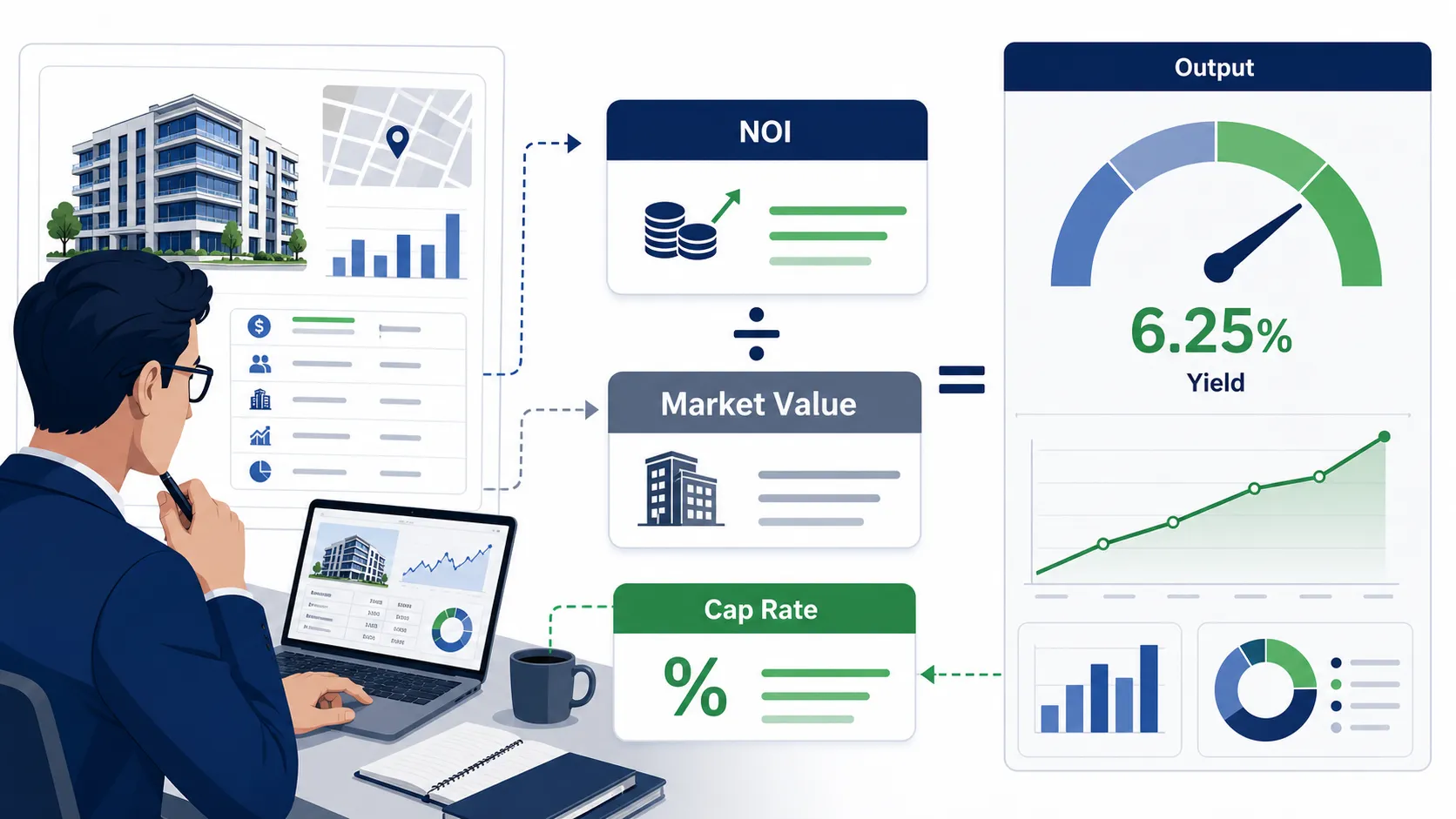
Cap Rate Calculator: Calculate Capitalization Rate Step by Step
Stop guessing property values. The cap rate formula delivers a single-year yield metric that strips out debt, letting you compare diverse assets instantly. Misjudge this rate, and you risk locking capital into an underperforming investment.
 Corporate Finance
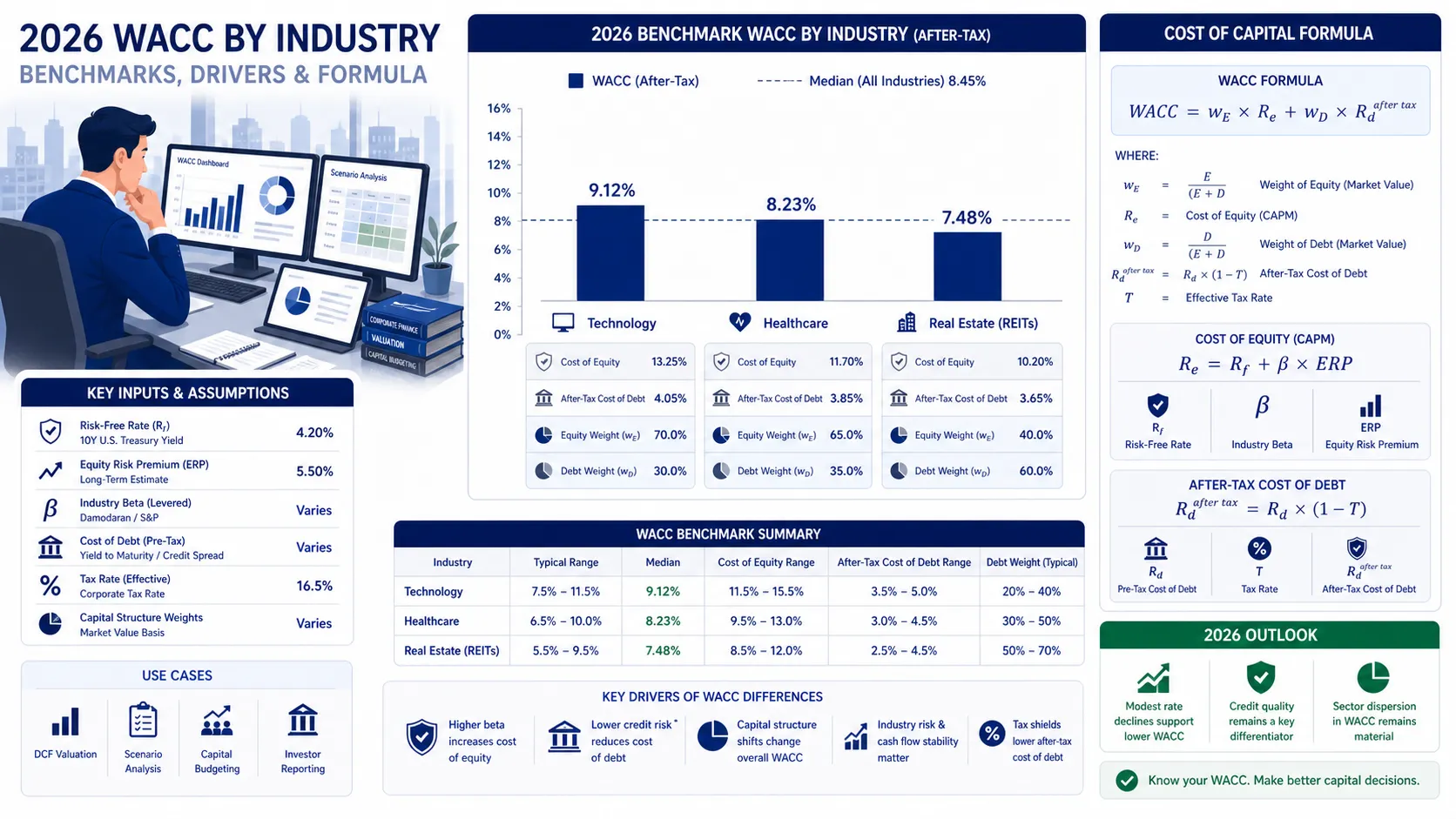
WACC by Industry: 2026 Benchmarks for Technology, Healthcare, and Real Estate
In 2026, industry WACC diverges sharply, from 5.5% for utilities to over 11.5% for software. CFOs must benchmark their discount rate against peers to ground valuations in market reality.
 Corporate Finance
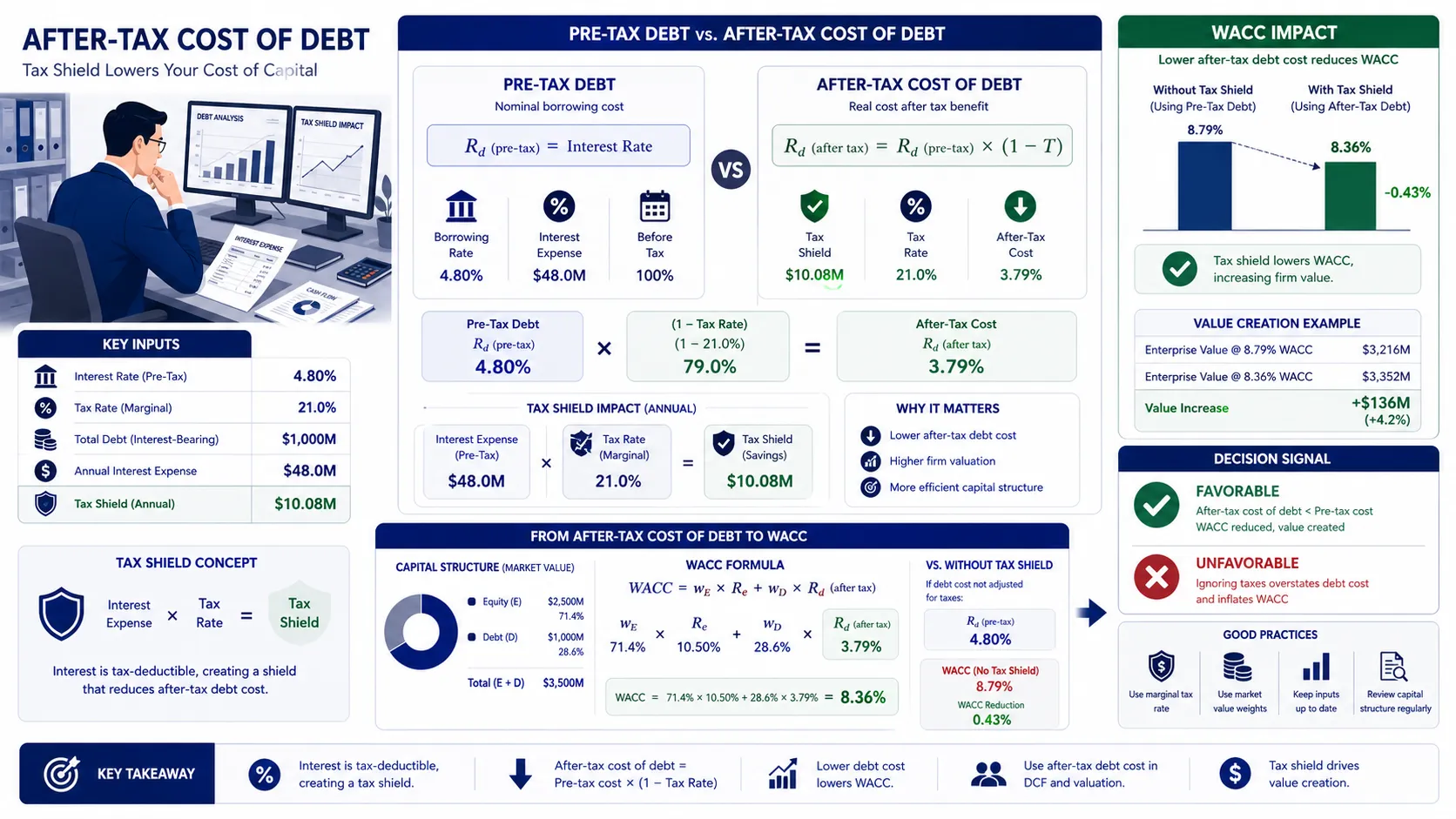
What Is After-Tax Cost of Debt and How Does It Lower WACC?
Interest payments are tax-deductible, making debt cheaper than equity and lowering your company's WACC. The after-tax cost of debt reveals this true, subsidized borrowing rate.
The real estate calculations, yield projections, and cash flow reports generated by BizToolkitPro are for educational and informational purposes only. They do not constitute formal real estate brokerage, lending underwriting, tax counsel, or legal advice.
Investment returns, debt coverage ratios, and capitalization metrics (including Cap Rate, DSCR, Cash-on-Cash, and Waterfall distributions) are simulated based on user-provided inputs and assumptions. Local housing laws, property taxes, market vacancies, and interest rates fluctuate dynamically; therefore, BizToolkitPro makes no warranties regarding the accuracy or real-world applicability of these projections.
Always perform your own independent physical and financial due diligence on properties, and consult with a licensed Real Estate Broker, Mortgage Underwriter, Tax Advisor, or real estate attorney before signing purchase agreements or securing loans.